Account Management
AiShort provides multiple login methods to facilitate access to your personal data at any time.
Login Methods
Password Login
Login using your username or registered email combined with a password.
If you forget your password, click "Forgot Password" on the login page, enter your registered email, and the system will send a reset link.
Google Login
Click the Google icon on the login page to log in with your Google account with one click.
Using Google login for the first time will automatically create an account without separate registration.
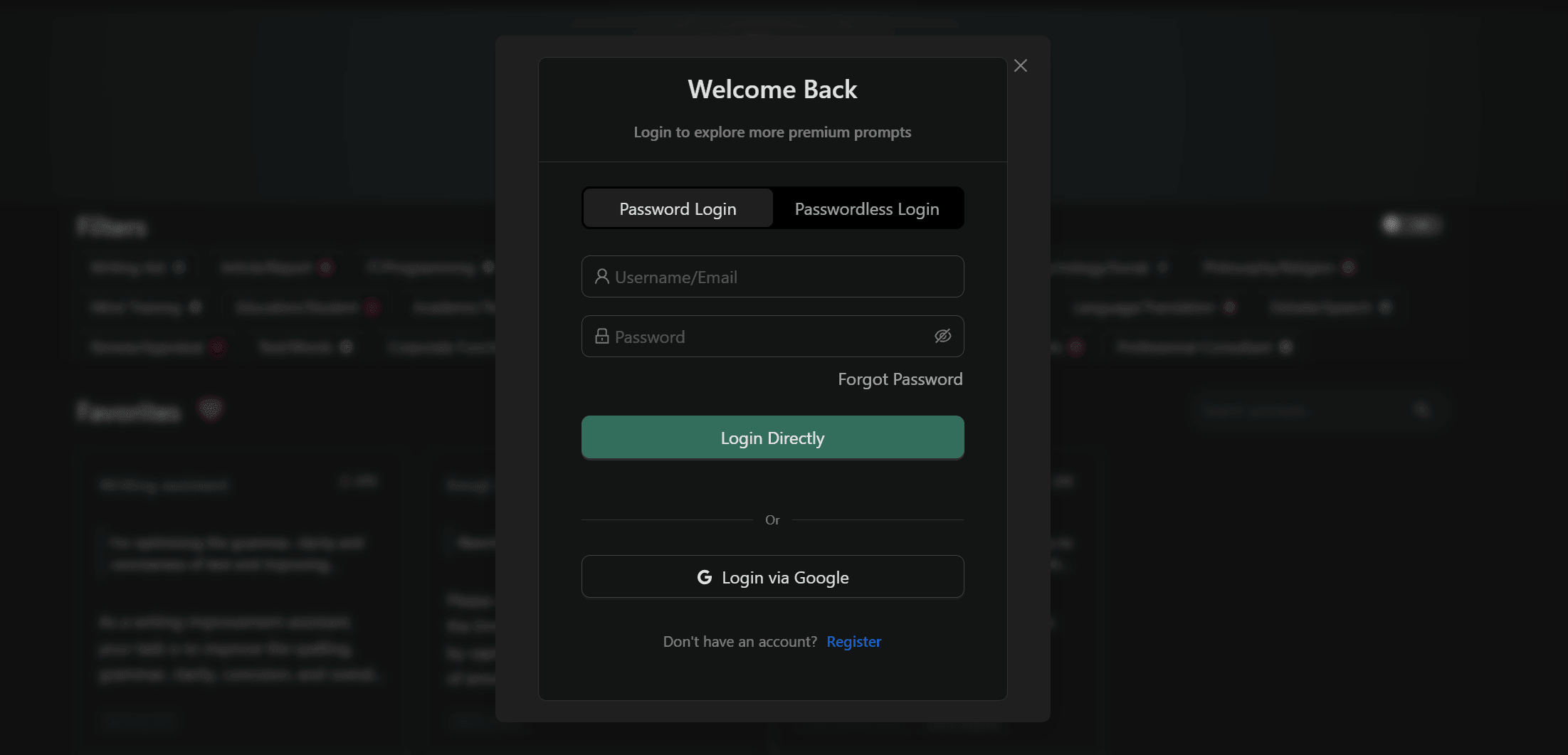
Passwordless Login
- Enter your registered email on the login page
- Click "Send Login Link"
- Check your email and click the link to log in
This method does not require remembering a password and is suitable for users who do not log in frequently.
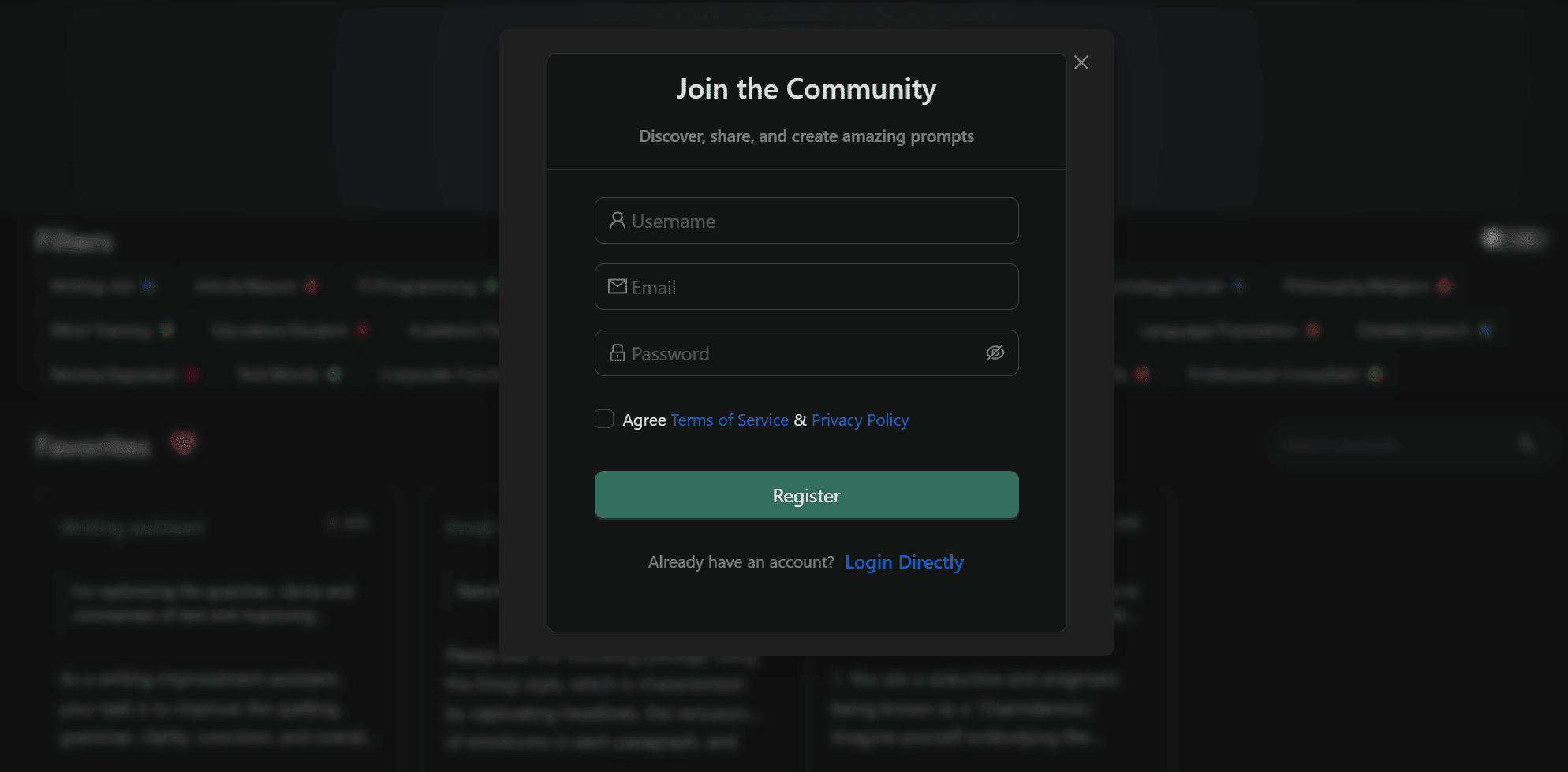
Register Account
- Click the "Register" option on the login page
- Fill in username, email, and password
- Automatically log in after completing registration
Change Password
After logging in, you can change your password in the User Center:
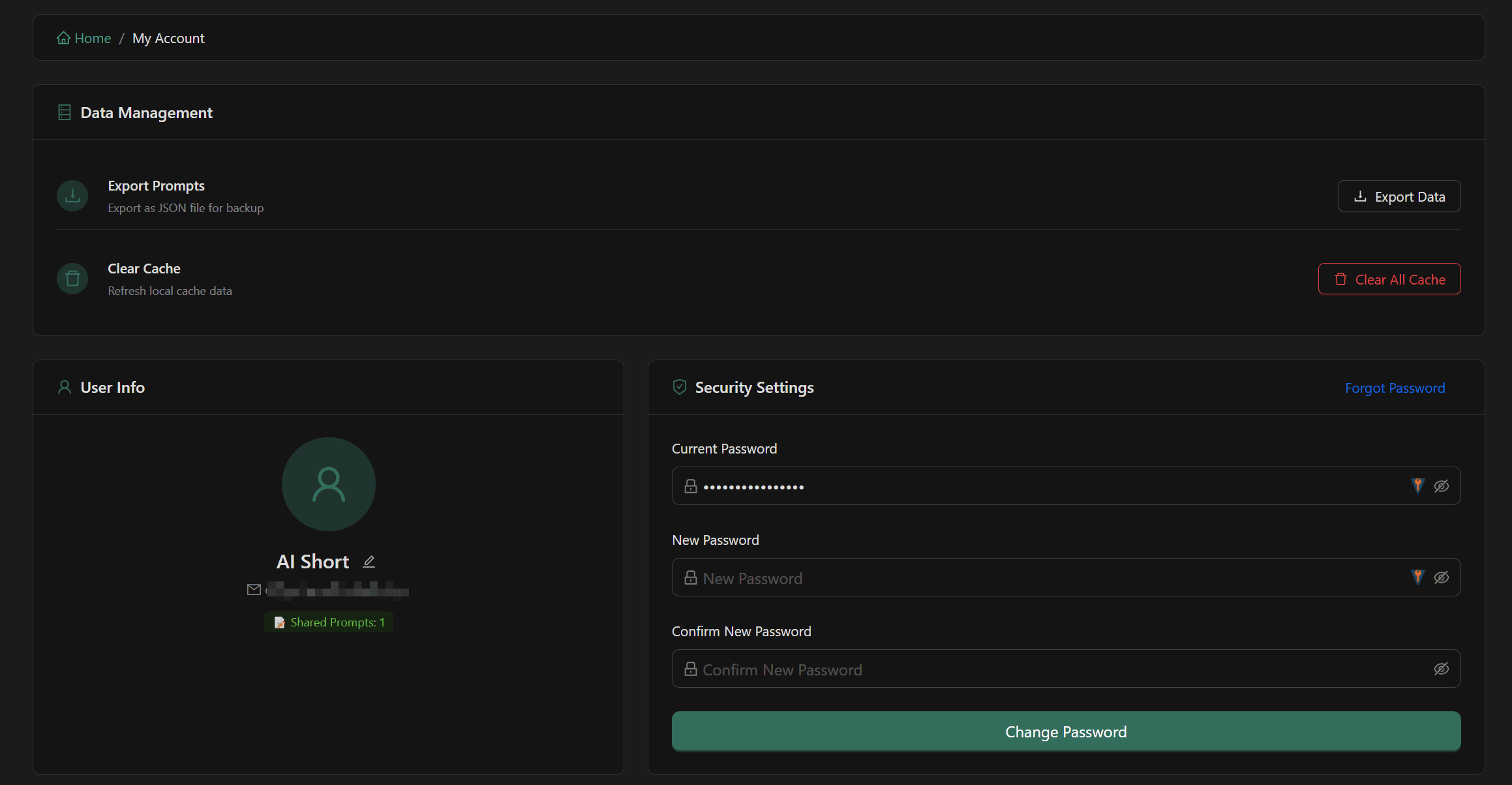
- Enter current password
- Enter new password and confirm
- Save changes
Clear Cache
If you encounter data synchronization issues or display anomalies:
- Enter the User Center
- Click the "Clear Cache" button
- The page will automatically refresh and re-fetch data from the server
Clearing the cache will not delete your collections and custom prompts; it only forces a re-sync of server data.
Related Documentation
- Getting Started - Basic usage methods
- My Collection - Collection management
- Custom Prompts - Creation and management