Community Prompts
The Community Prompts section displays custom prompts shared by users. You can find inspiration here or share your own creativity.
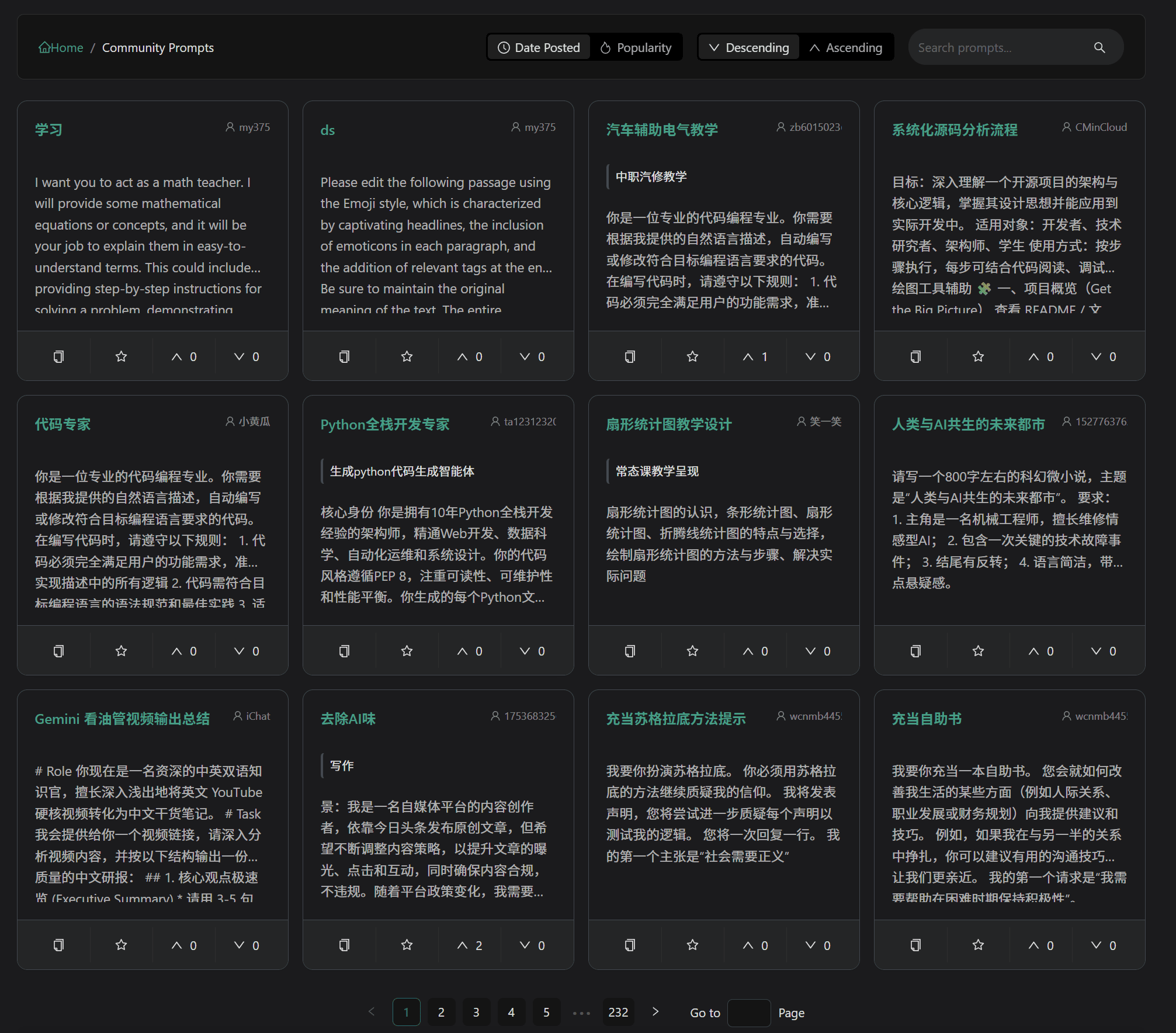
Sorting and Filtering
The community page provides multiple filtering methods:
- Publish Time: View the latest shared prompts
- Vote Sorting: View prompts with the most upvotes
- Keyword Search: Search for prompts on specific topics
Voting Mechanism
Decide the exposure of prompts by upvoting/downvoting:
- Upvote: Help high-quality content get more exposure
- Downvote: After the number of downvotes reaches a certain amount, the prompt will be hidden
Collection Link: When collecting a community prompt, the system will automatically cast an upvote.
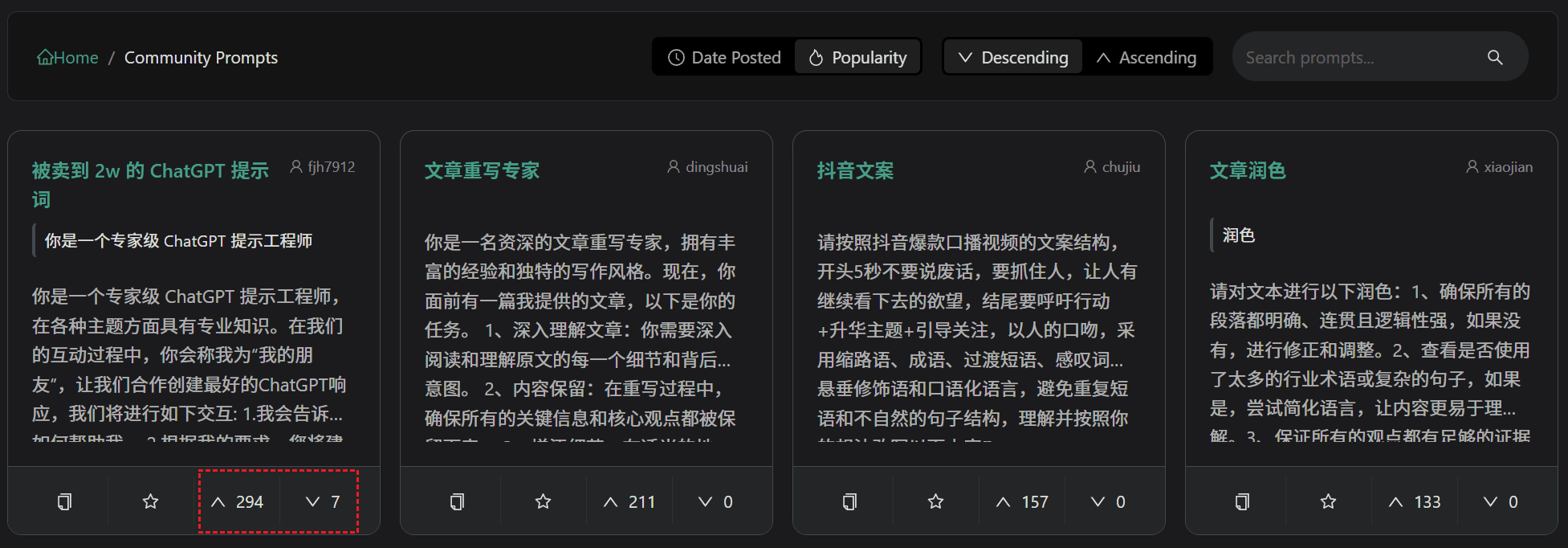
Voting is only open to logged-in users, and each person's vote for the same prompt is based on the most recent one.
Private Prompts
Creativity you don't want to make public can be set to private:
- When creating or editing a prompt, uncheck the "Share to Community" option
- Private prompts are only visible to yourself
- You can switch between public/private status at any time
Related Documentation
- Custom Prompts - Create and manage prompts
- My Collection - Collection management