My Collection
After logging in, you can collect your favorite prompts and manage them personally. The My Collection view provides rich management functions to help you efficiently organize and use prompts.
View Switching
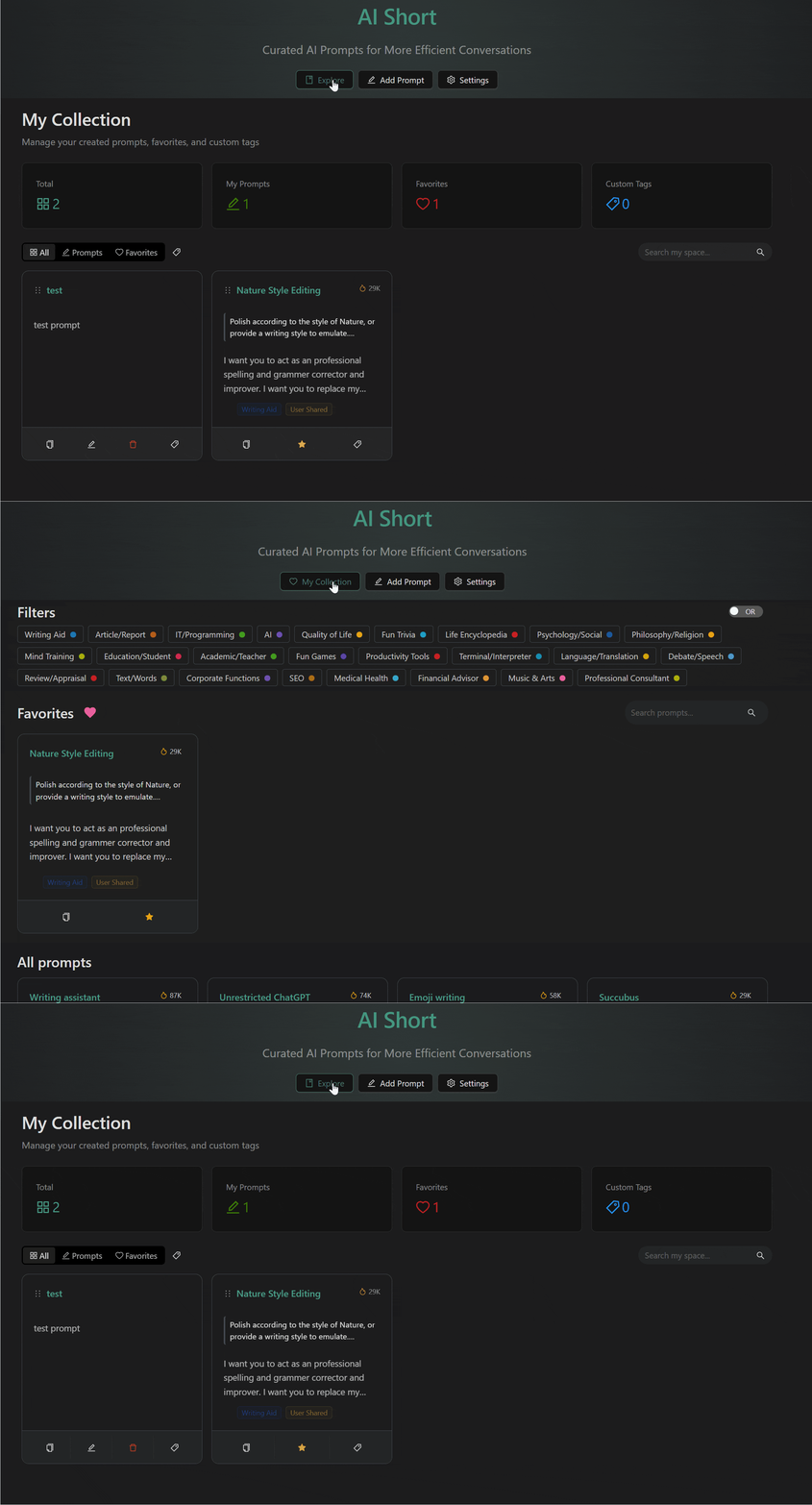
The top of the homepage provides view switching buttons, supporting two modes:
- My Collection: Displays your collected prompts and custom prompts
- Prompt Library: Browse the public prompt library to discover new content
The browser will automatically remember your view selection and switch to the last view upon your next visit.
Add to Collection
Click the "Collect" button on a prompt card to add it to My Collection.
When collecting a community prompt, the system will automatically cast an upvote for it, helping quality content get more exposure.
Remove from Collection
In the My Collection view, click the heart icon on the card to uncollect.
Custom Tags
Add personal tags to collected prompts for convenient classification management:
Add Tag
- Click the tag icon on the control bar
- Select an existing tag or click "+" to create a new tag
- New tags can have custom names and colors
Manage Tags
Click "Manage Tags" to enter the tag management interface:
- Modify tag name
- Change tag color (11 preset colors available)
- Delete unwanted tags

Filter by Tag
In the My Collection view's filter bar, you can filter content by custom tags.
Drag and Drop Sorting
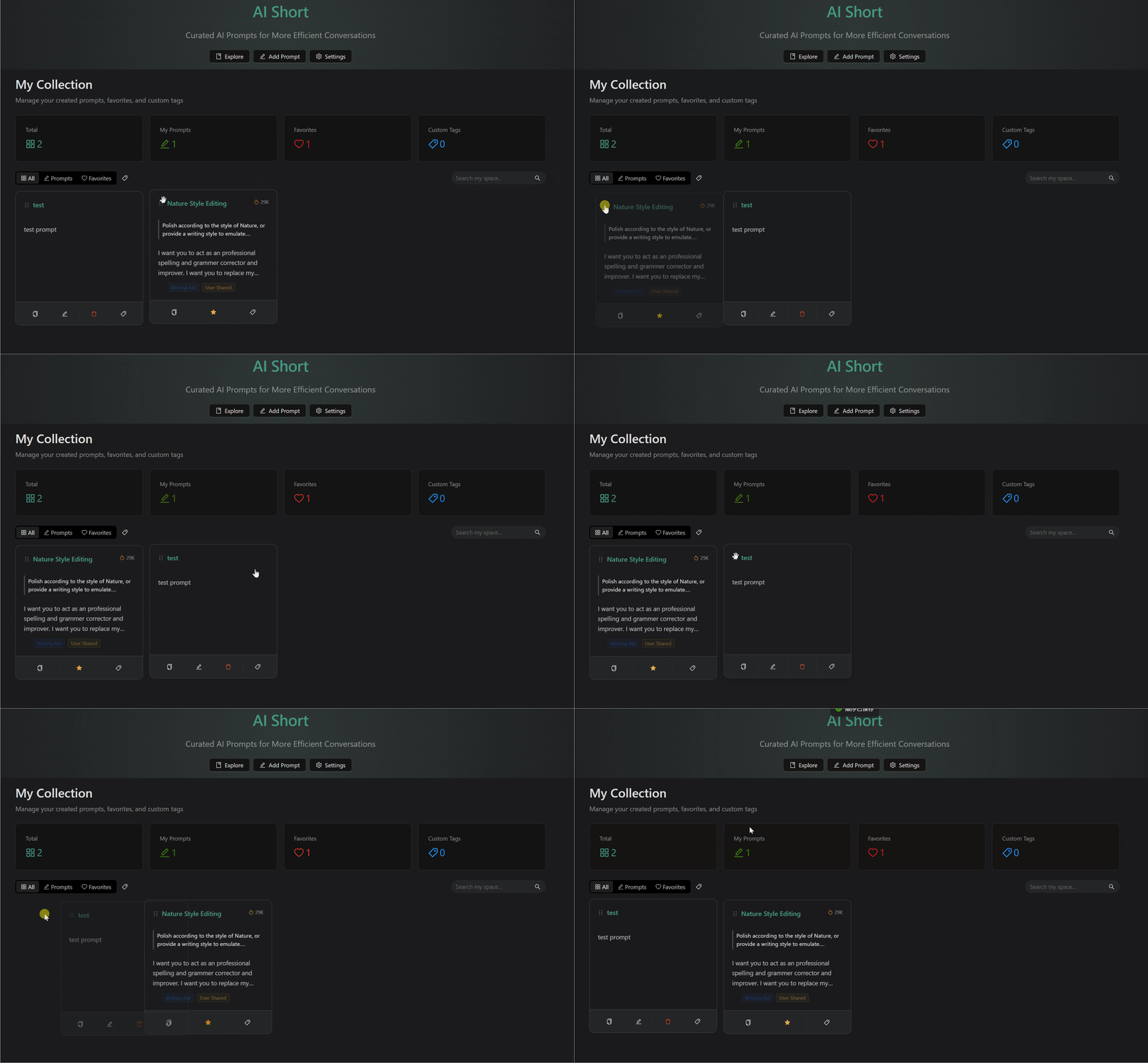
Drag and drop adjustment of card order is supported in the My Collection view:
- Drag the handle on the left side of the card
- Move to the target position and release
- The new order is automatically saved to the server
Sorting function is only available in the My Collection view.
Related Documentation
- Custom Prompts - Create and manage prompts
- Interface Guide - Search and filter
- Account Management - Login and settings